In Softbase Evolution, users can download documents related to Invoices, Work Orders, Rentals, Mechanics, Customers, Equipment, Vendors, AP Invoices, and POs from the Document Center.
Steps to Download a Document:
- Navigate to General > Document Center.
- Select the relevant tab based on the type of document you need:
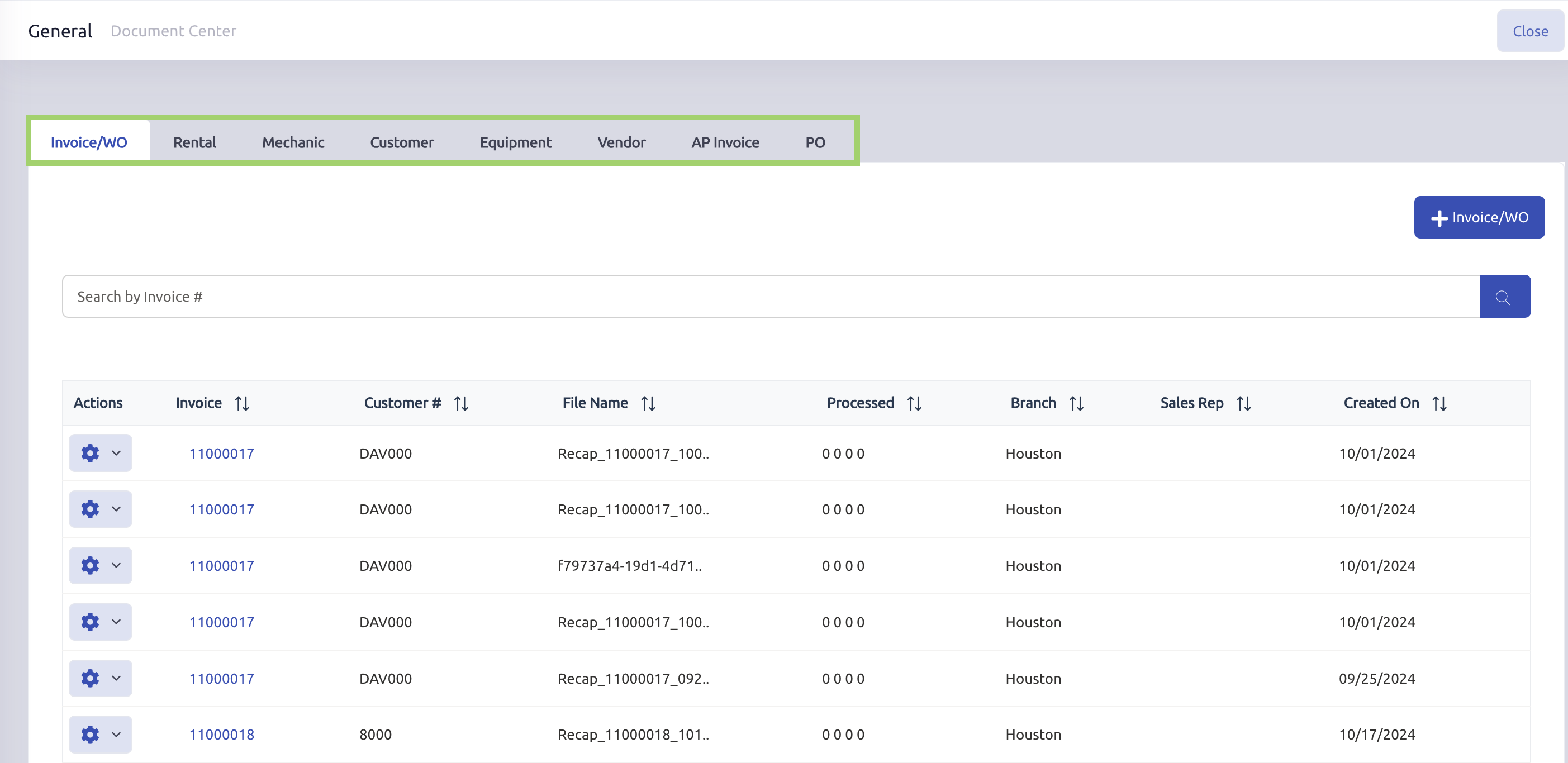
- Use the search bar to find the Document #.
- Click the gear icon next to the record.
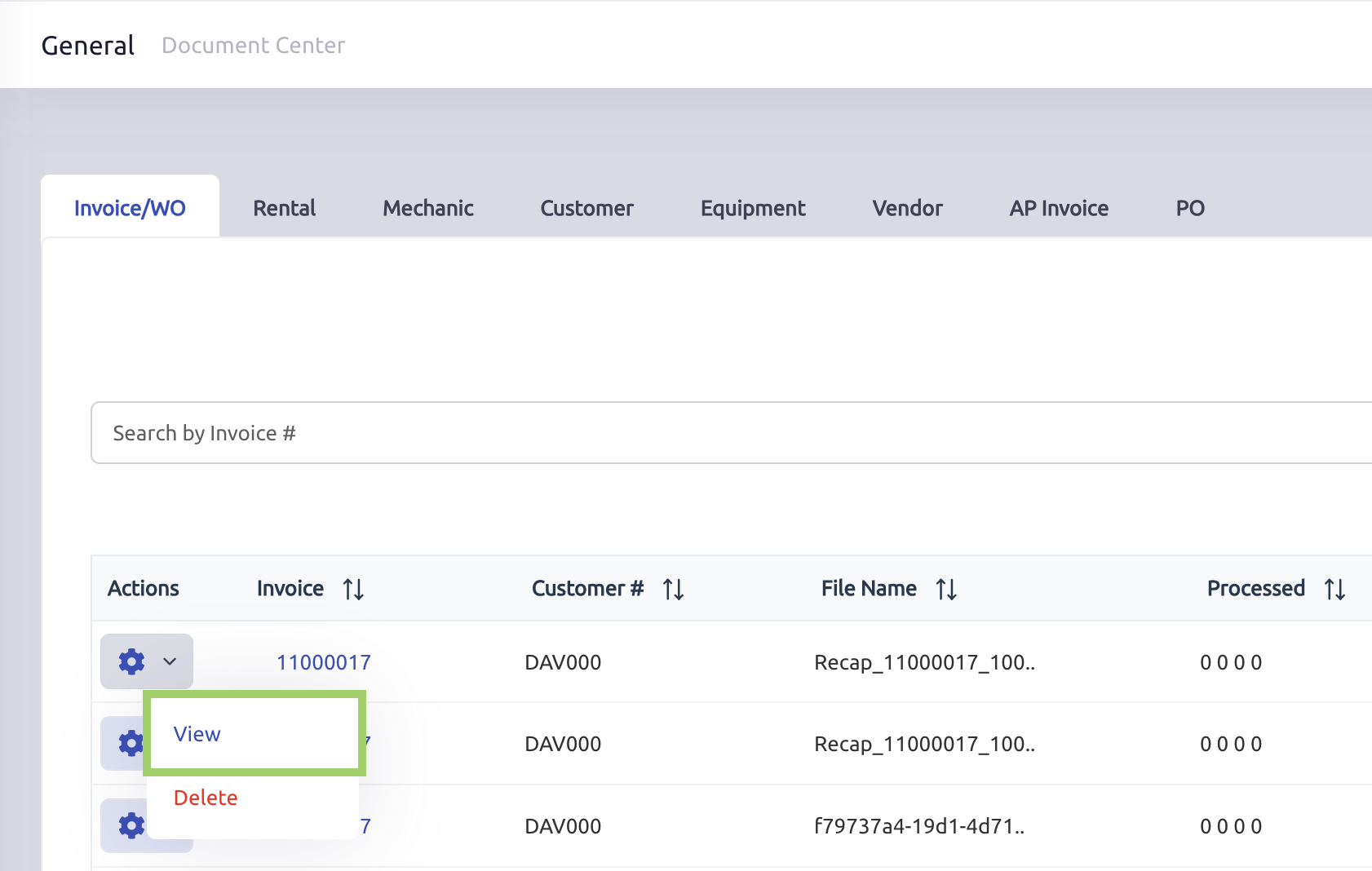
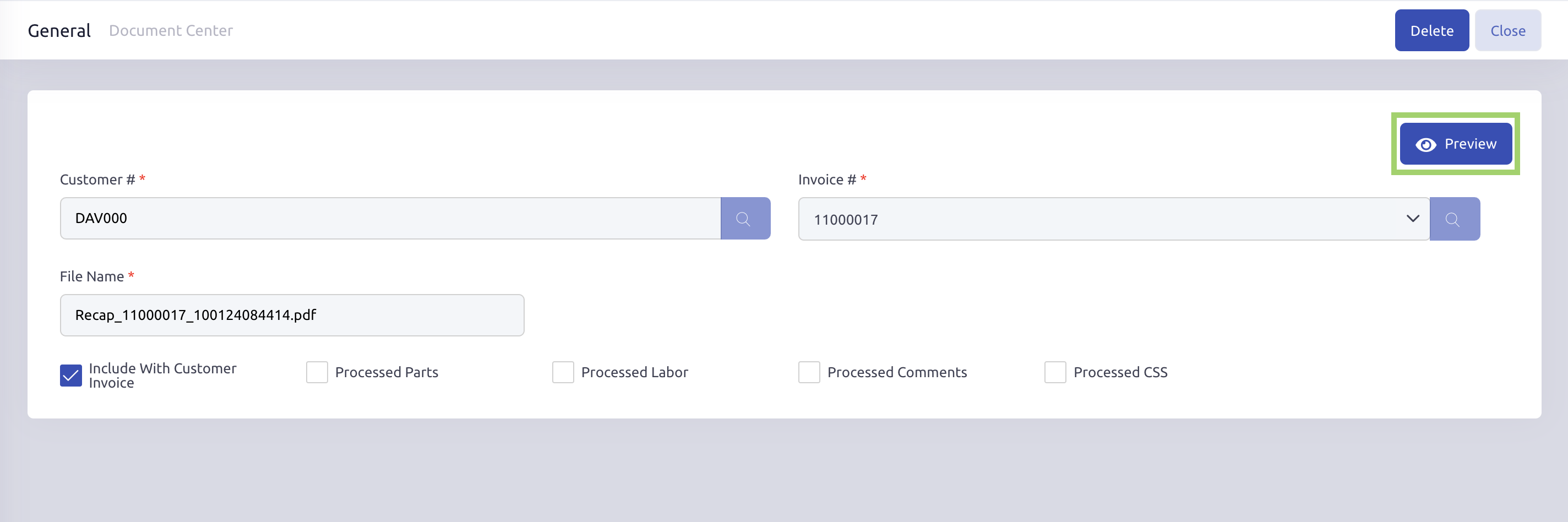
- Select View, then click Preview.
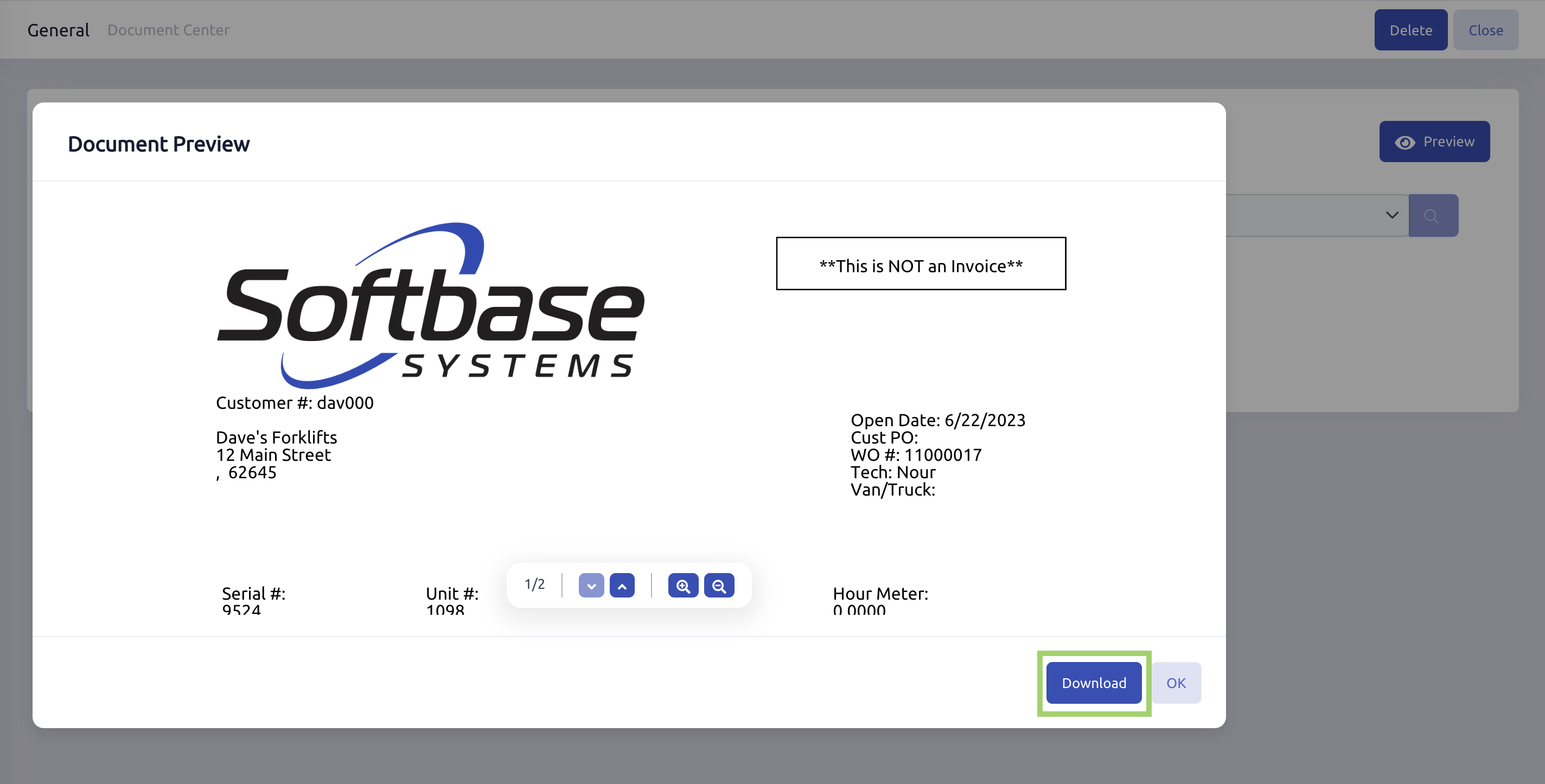
- Click Download to save the document to your computer.
Was this article helpful?
That’s Great!
Thank you for your feedback
Sorry! We couldn't be helpful
Thank you for your feedback
Feedback sent
We appreciate your effort and will try to fix the article