If you need to update the invoice date or the due date of a previously posted AP invoice, you can do so using the AP inquiry module.
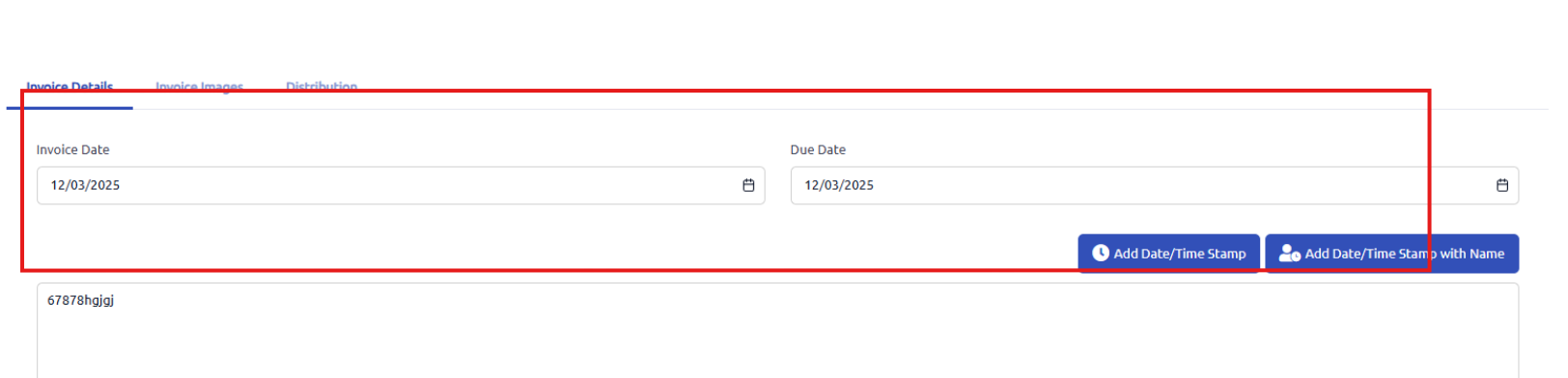
After clicking on the invoice in AP inquiry, if you scroll to the bottom of the page you will see a tab for invoice details with both an invoice date and due date that you can update and then save as needed.
This will not update the date that the invoice was posted to the AP GL account but will update the invoice date or the due date of the invoice.
Was this article helpful?
That’s Great!
Thank you for your feedback
Sorry! We couldn't be helpful
Thank you for your feedback
Feedback sent
We appreciate your effort and will try to fix the article