While some price files will automatically perform these updates for you in your inventory records, you can also manually let the system know that a part is being discontinued and direct users to the new part number that will be its replacement.
 Update the status of the old part number to changed.

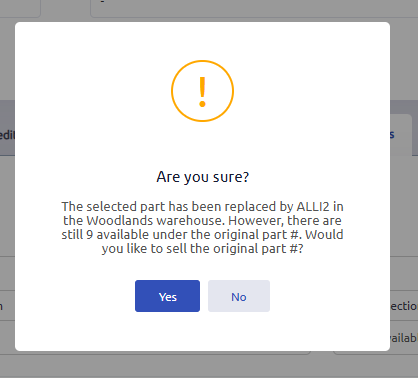
If you still have inventory on hand of the old part number that needs to be sold before the system updates future sales to the new part number, you will receive a pop up notification that the part number has changed, but that there is still on hand available of the old part number to sell, and the user can determine which part number to use on the work order.
Was this article helpful?
That’s Great!
Thank you for your feedback
Sorry! We couldn't be helpful
Thank you for your feedback
Feedback sent
We appreciate your effort and will try to fix the article