How to Access Invoice Design Options in Softbase Evolution
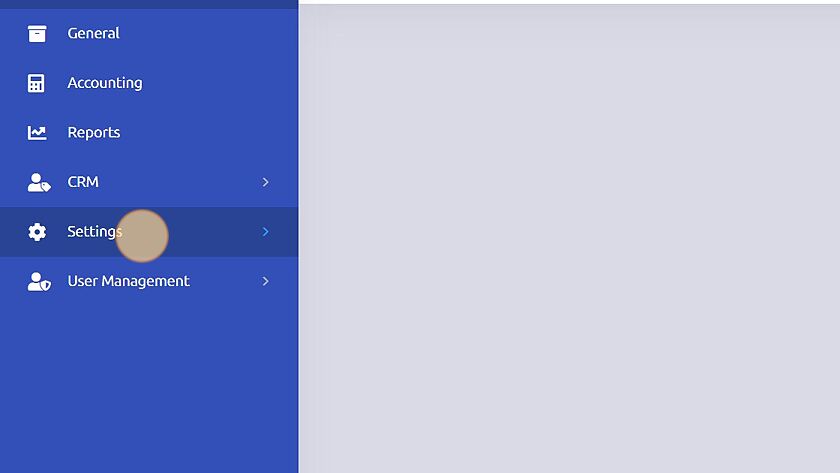
1. Click "Settings"
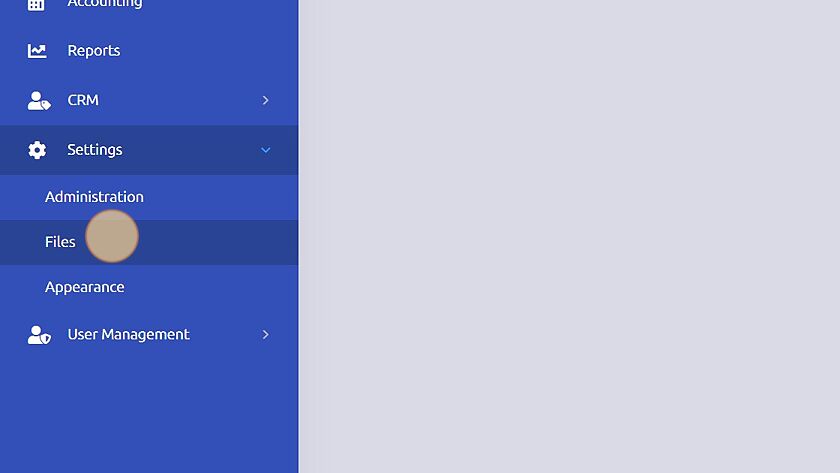
2. Click "Files"
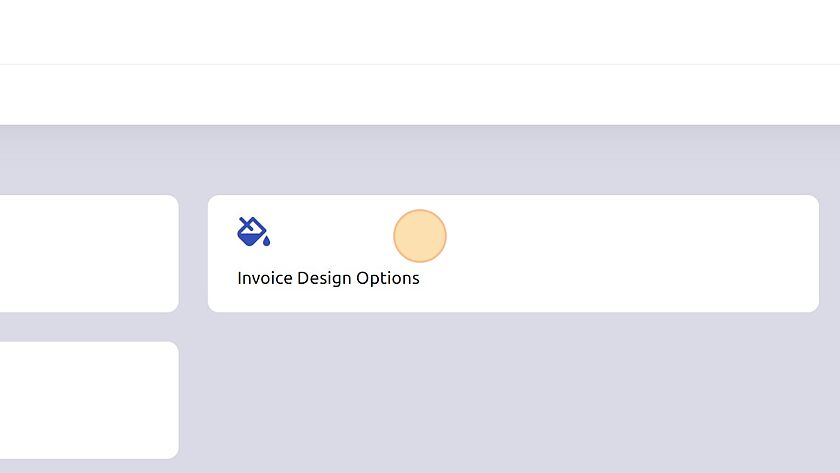
3. Click "Invoice Design Options"
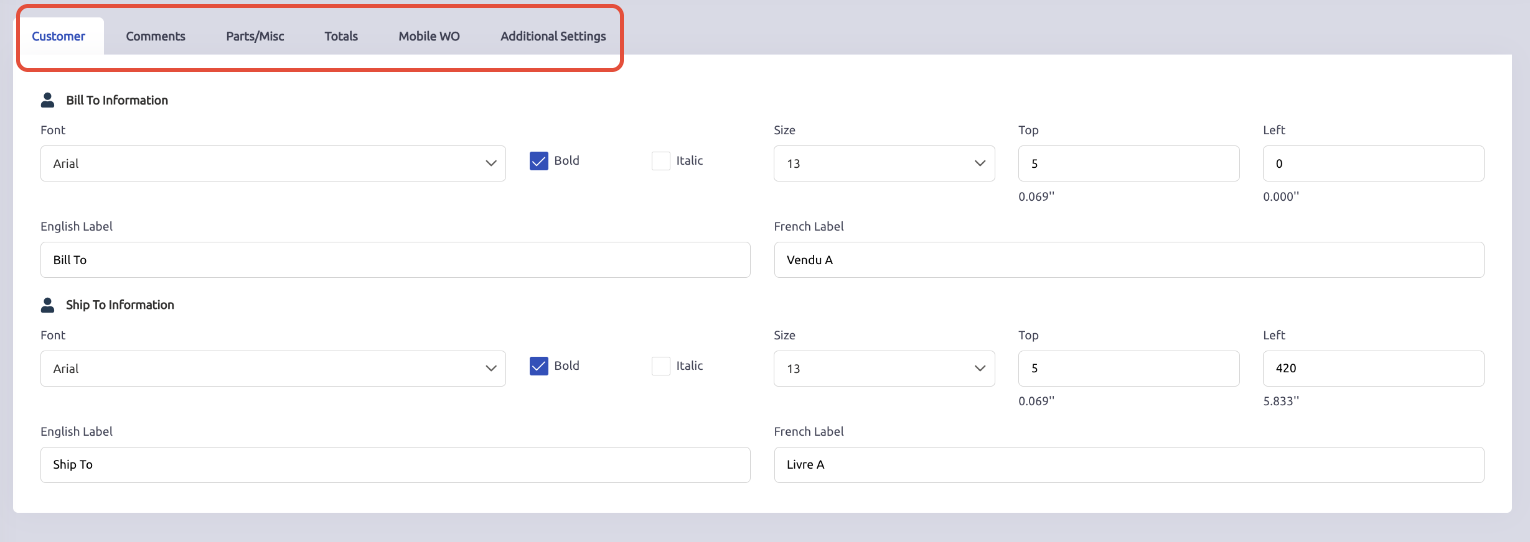
4. You can adjust spacing, and distribution of the invoice by exploring the different tabs for each section: Customer, Comments, Parts/Misc, Total, Mobile WO, and Additional Settings.
Was this article helpful?
That’s Great!
Thank you for your feedback
Sorry! We couldn't be helpful
Thank you for your feedback
Feedback sent
We appreciate your effort and will try to fix the article