If a part has been partially received when ordered through a purchase order and the remaining amount of the part needs to be removed or edited, the application will not allow you to update the line as it has a receipt against it.
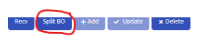
When this occurs, the 'Split BO' button is used when you receive a quantity of product that is different than what you initially backordered and would like to remove the remaining amount to a new line on the purchase order, where it can be removed or received against as needed.
Example:
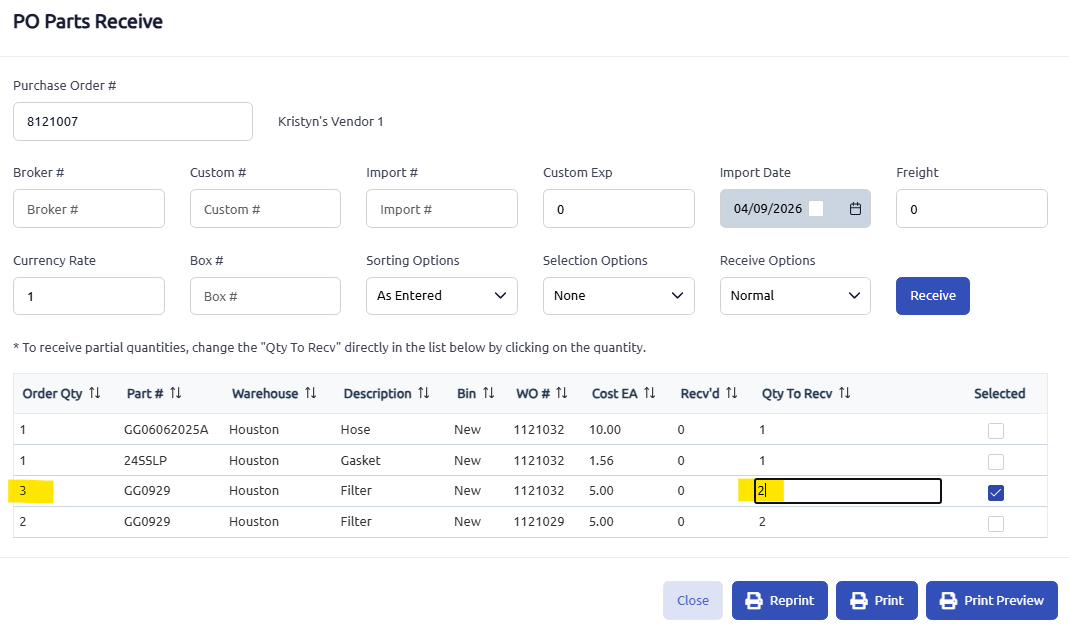
I ordered a quantity of 3 of a part for WO 1121032.

When I received the parts in, I only received 2. You can change the Qty To Recv in the PO Parts Receive screen by clicking in the box and editing the qty.
Now that I am back on the Parts tab in my purchase order after receiving my 2 parts, the Split BO button becomes enabled.

Clicking that 'Split BO' button will pop up a message that asks if I want to split the backorder and move the unreceived part to a new backorder line.
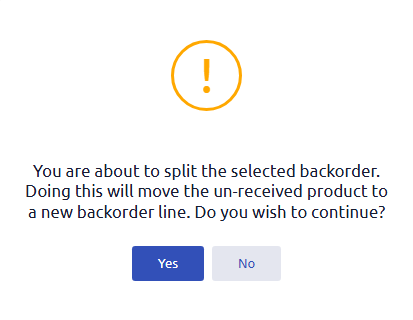
Saying yes will move that remaining part and qty of 1 back to the backorder tab and enables you to order again with a different purchase order. It will also display the qty with an 's' to designate that this order was 'split.'

Was this article helpful?
That’s Great!
Thank you for your feedback
Sorry! We couldn't be helpful
Thank you for your feedback
Feedback sent
We appreciate your effort and will try to fix the article