If a user needs to manually change the on hand of a part outside of the receiving or inventory processes, they can do so within the parts record.
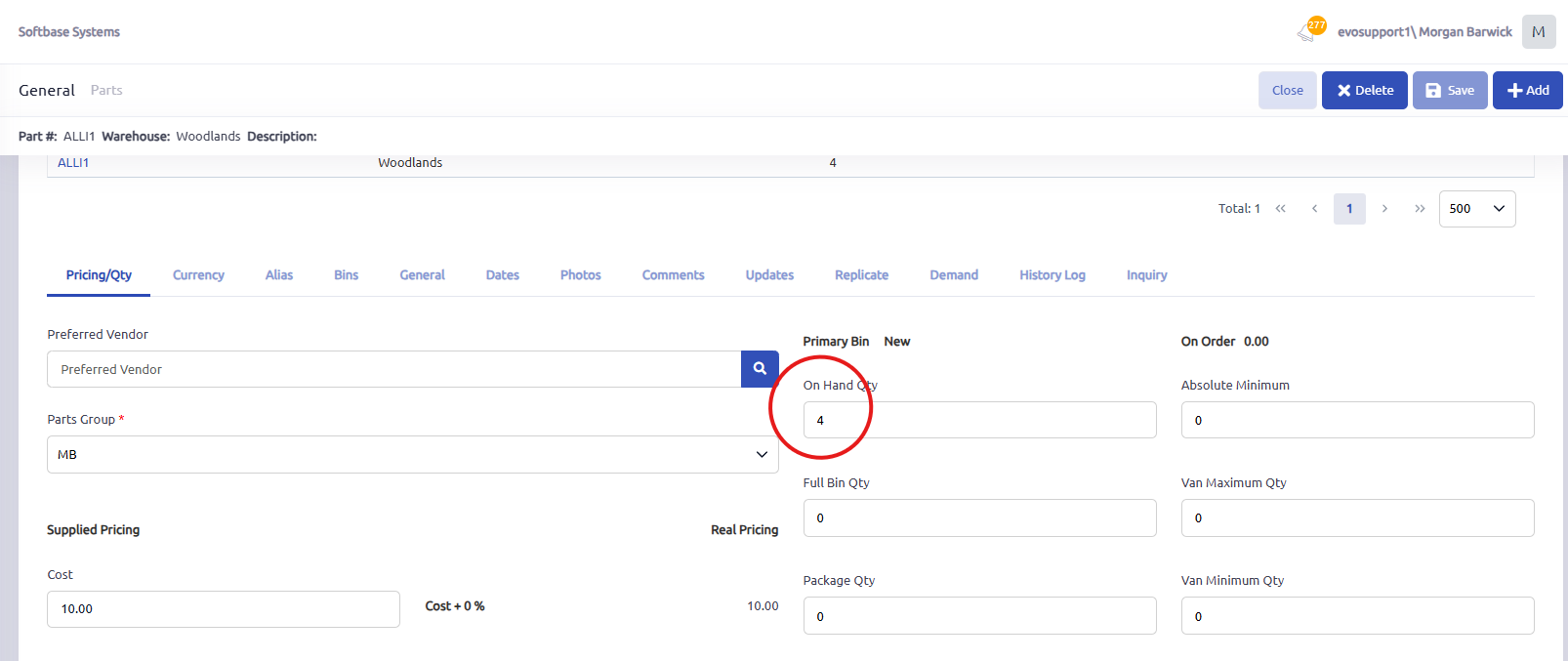
In the parts record, select edit, and then change the value of the on hand qty field as needed, then click save.
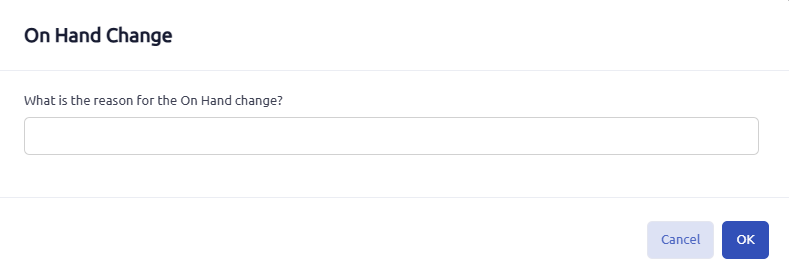
The user will be prompted to enter a reason for the on hand change, which is tracked in the system.
Manual on hand adjustments can be routinely reviewed using the "Parts On Hand Change" report located under the parts section of the reports tab.
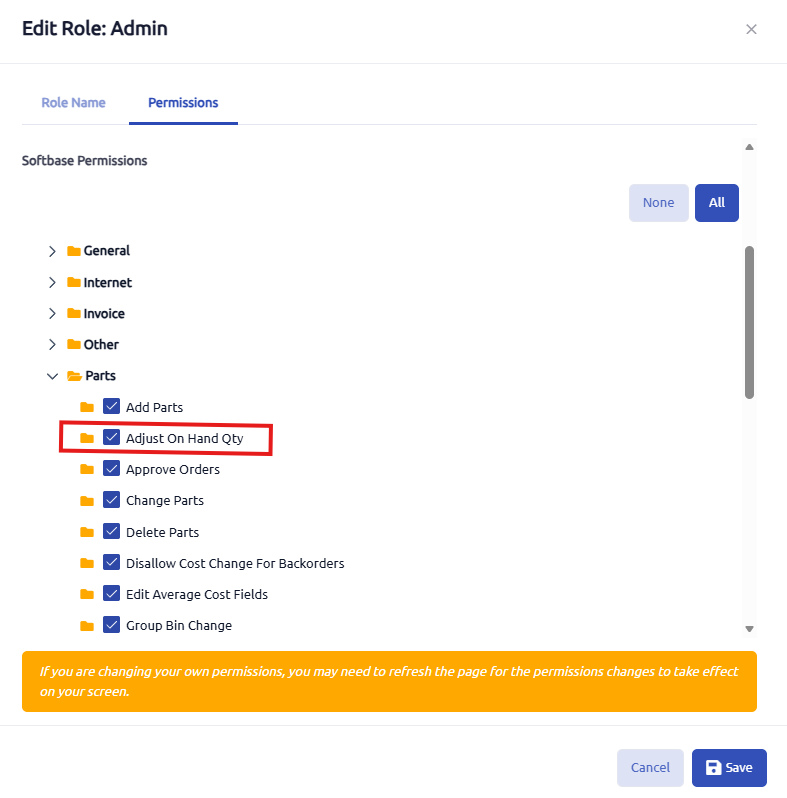
The user that is attempting to update on hand quantities will need to have the ability to "adjust on hand qty" in their user role as seen below in the User Management module.
Was this article helpful?
That’s Great!
Thank you for your feedback
Sorry! We couldn't be helpful
Thank you for your feedback
Feedback sent
We appreciate your effort and will try to fix the article