1. General > Invoicing > Select Mobile Labor Import
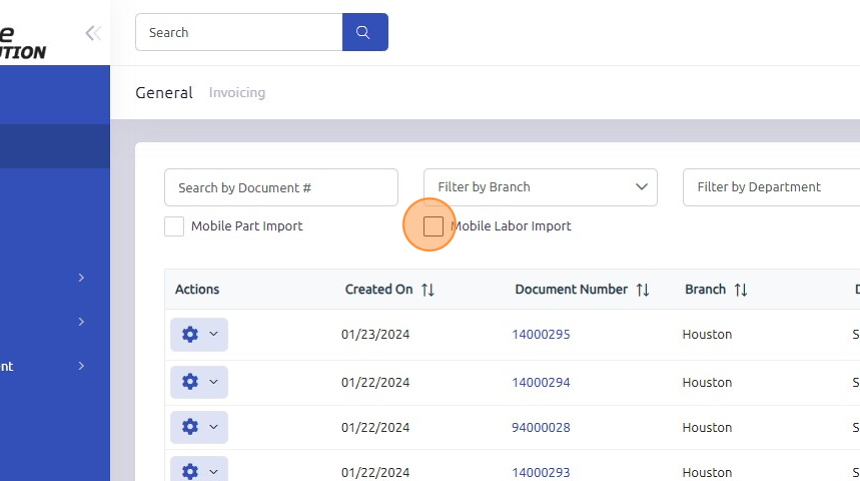
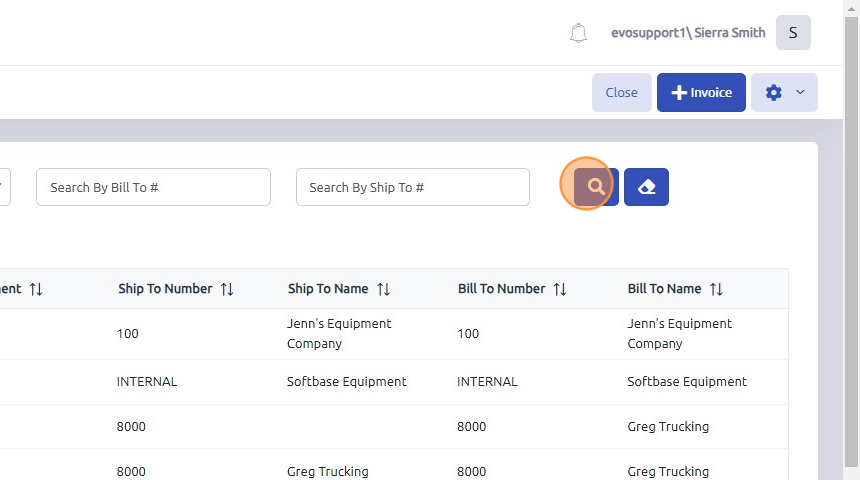
2. Click Search. This will return a list of documents with mobile labor needing to be imported.
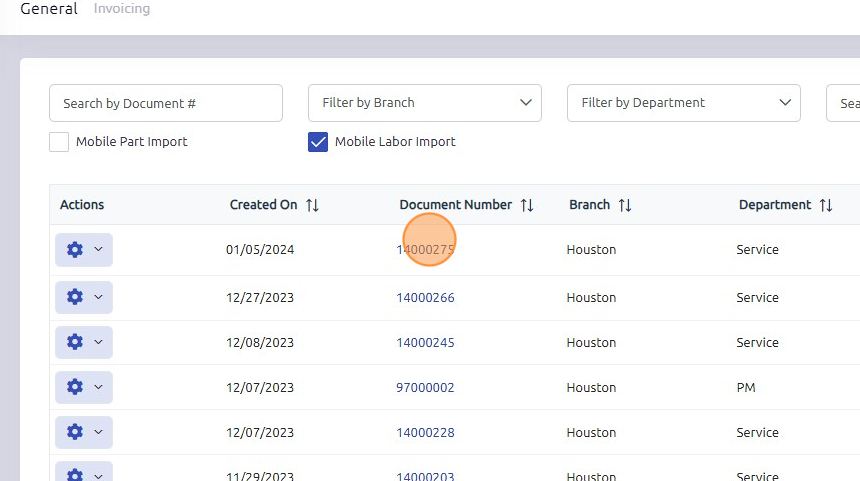
3. Open document.
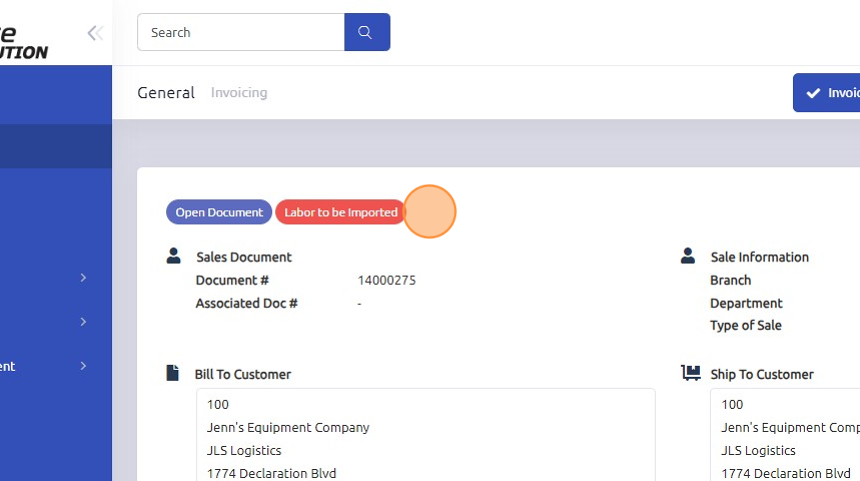
4. Notice "Labor to be Imported" flag on the document header.
5. Click "Labor"
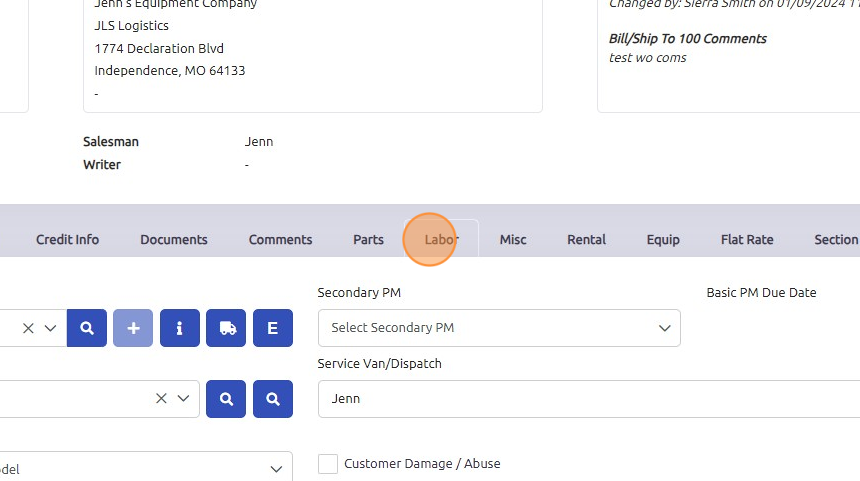
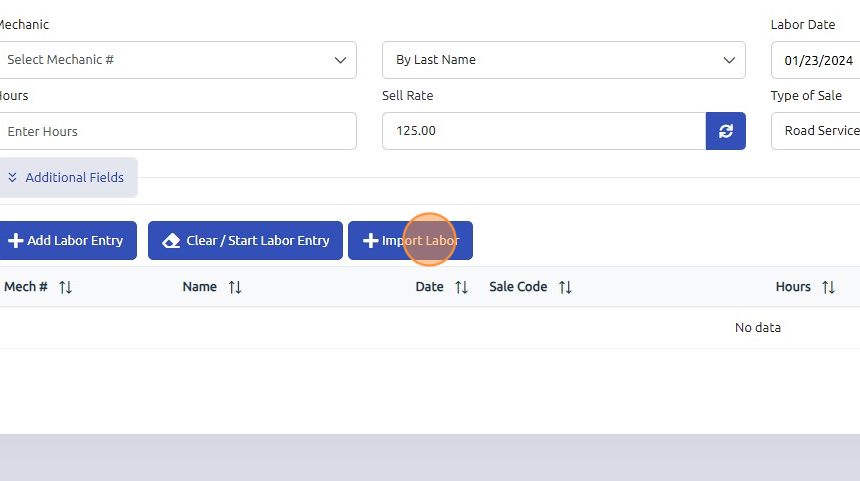
6. Click "Import Labor"
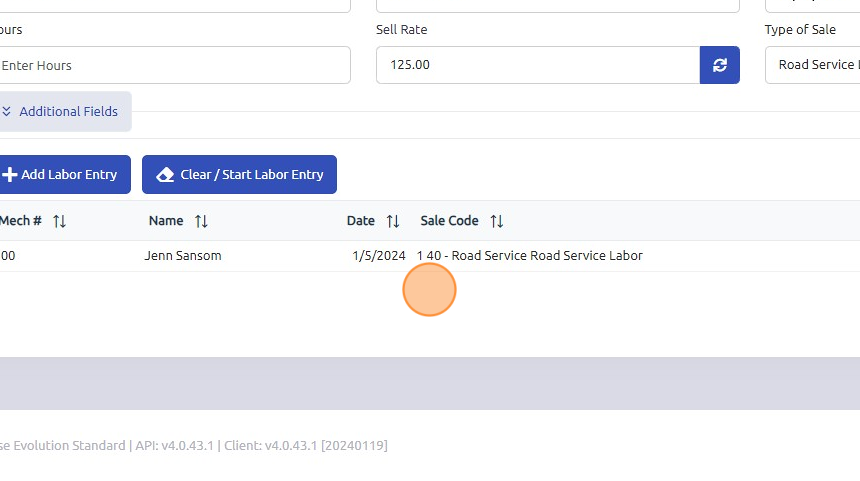
7. Notice new labor entry added to the work order.
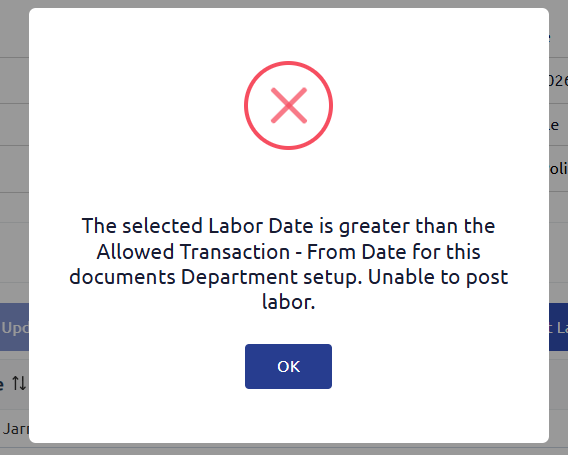
**NOTE ***
If you receive the below error message - please reach out to your internal Administration and Accounting team to discuss editing the dates allowed for labor transactions on the department record.
Was this article helpful?
That’s Great!
Thank you for your feedback
Sorry! We couldn't be helpful
Thank you for your feedback
Feedback sent
We appreciate your effort and will try to fix the article