Change a Customer #
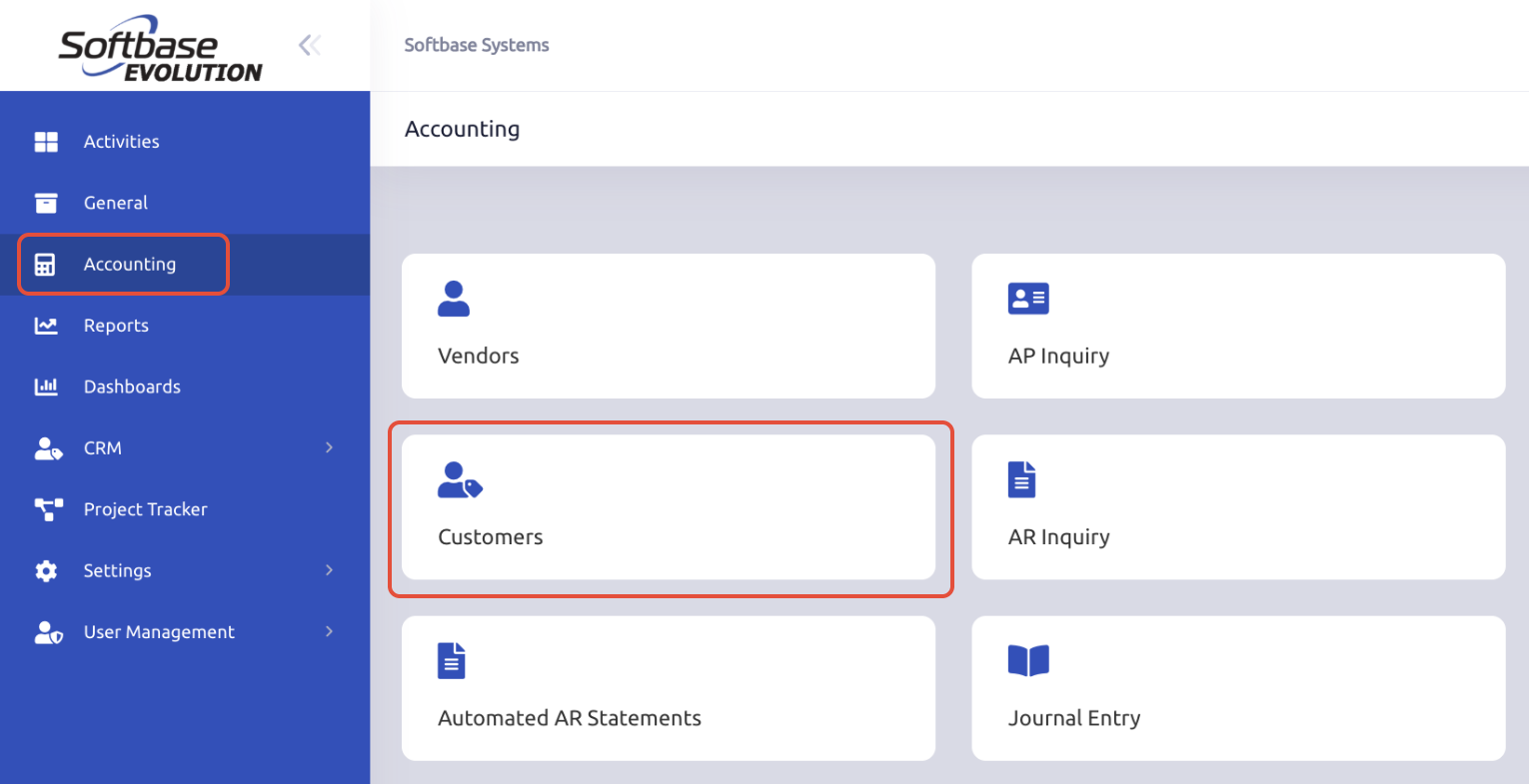
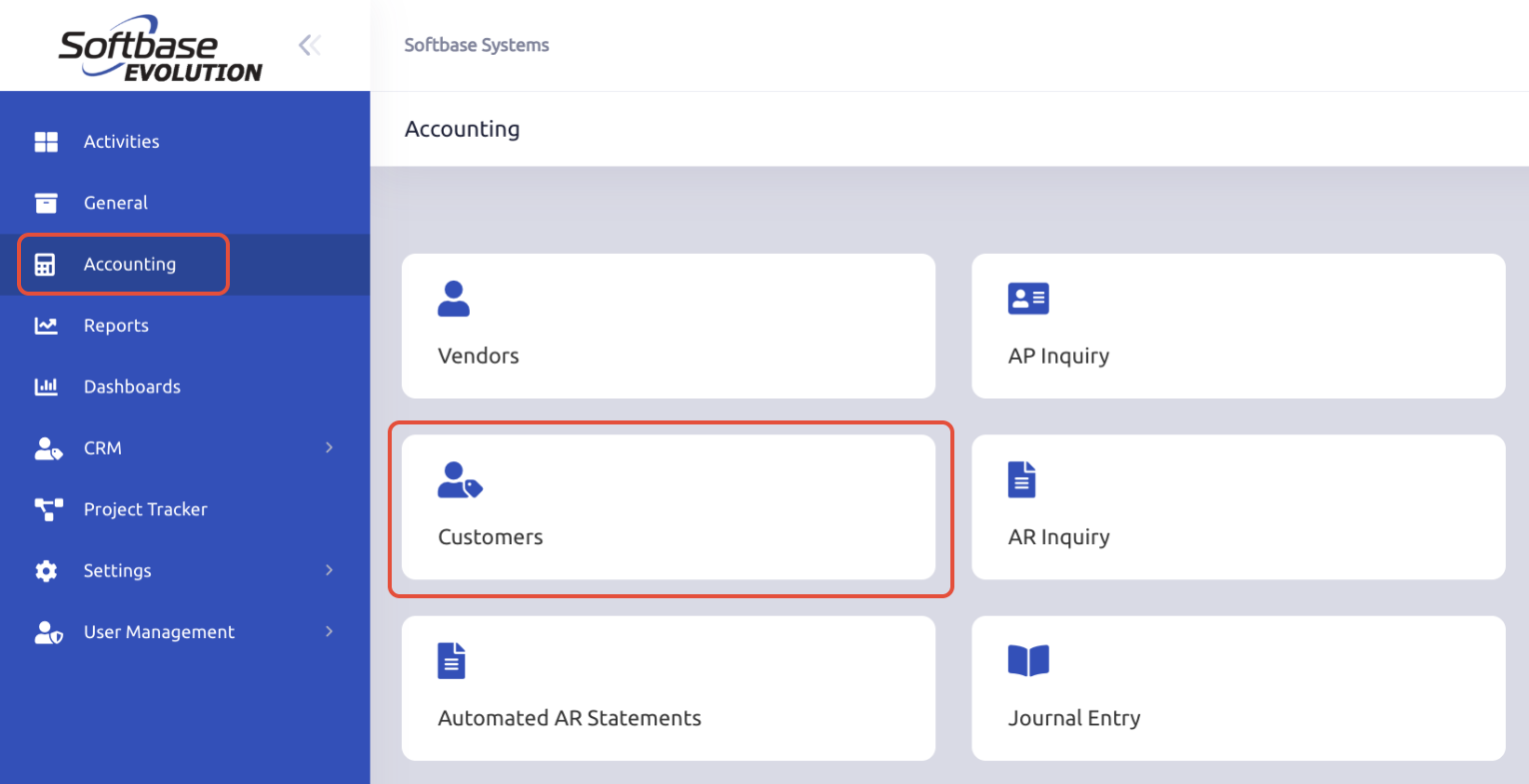
- Click "Customers" in the accounting section.
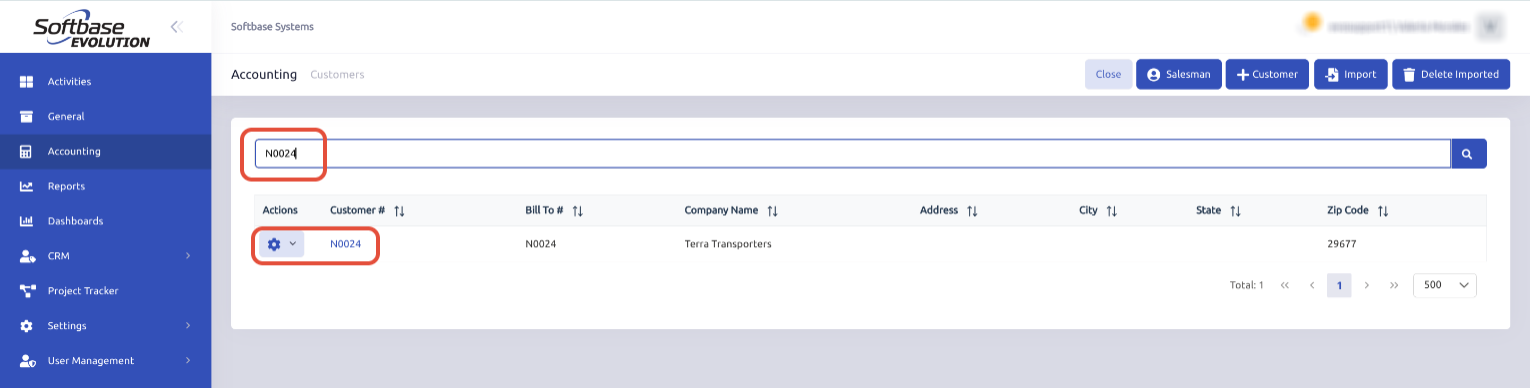
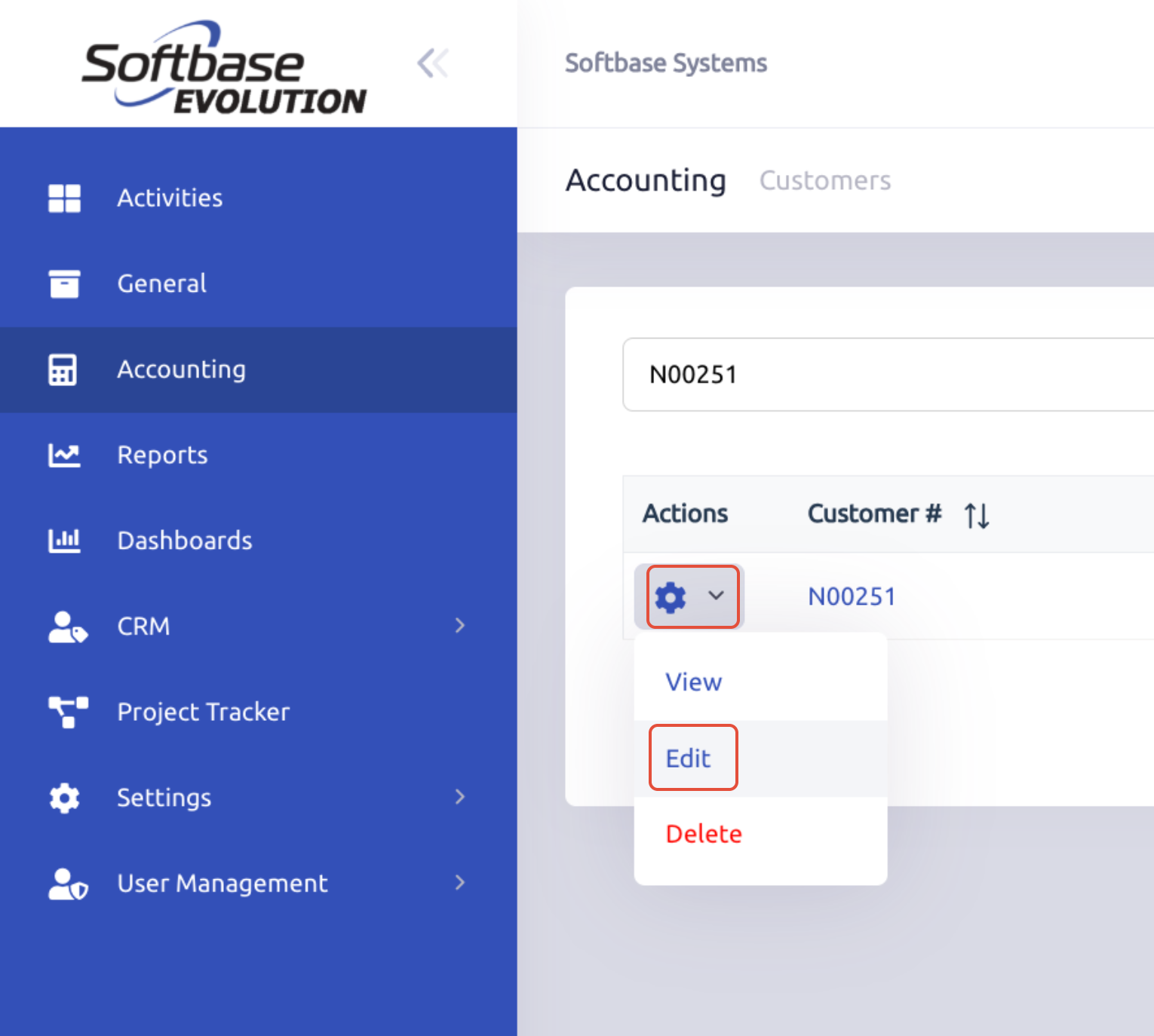
- Search for the customer and open their record / Click on the Gear icon and select Edit
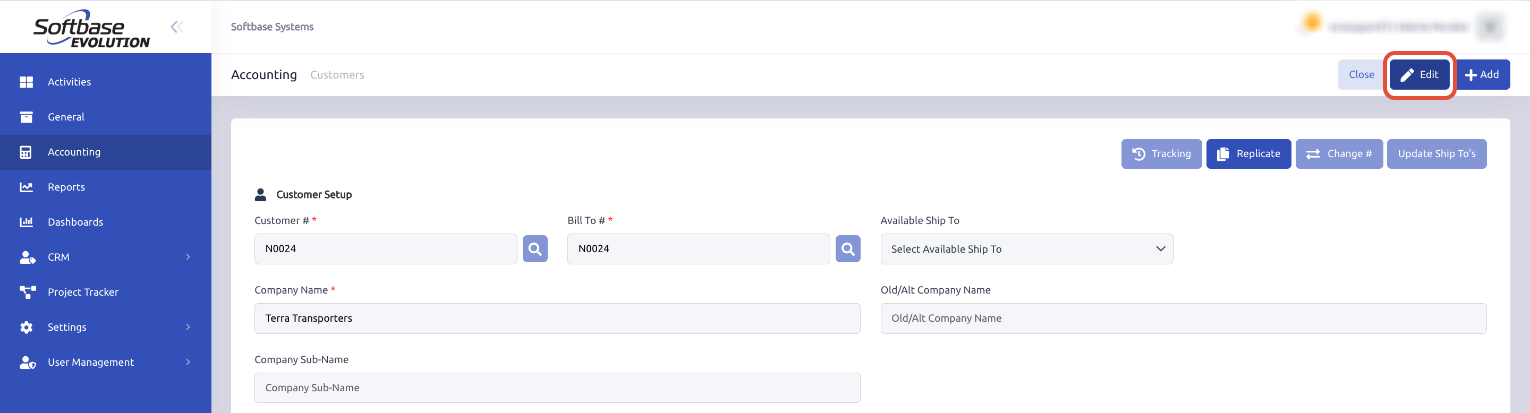
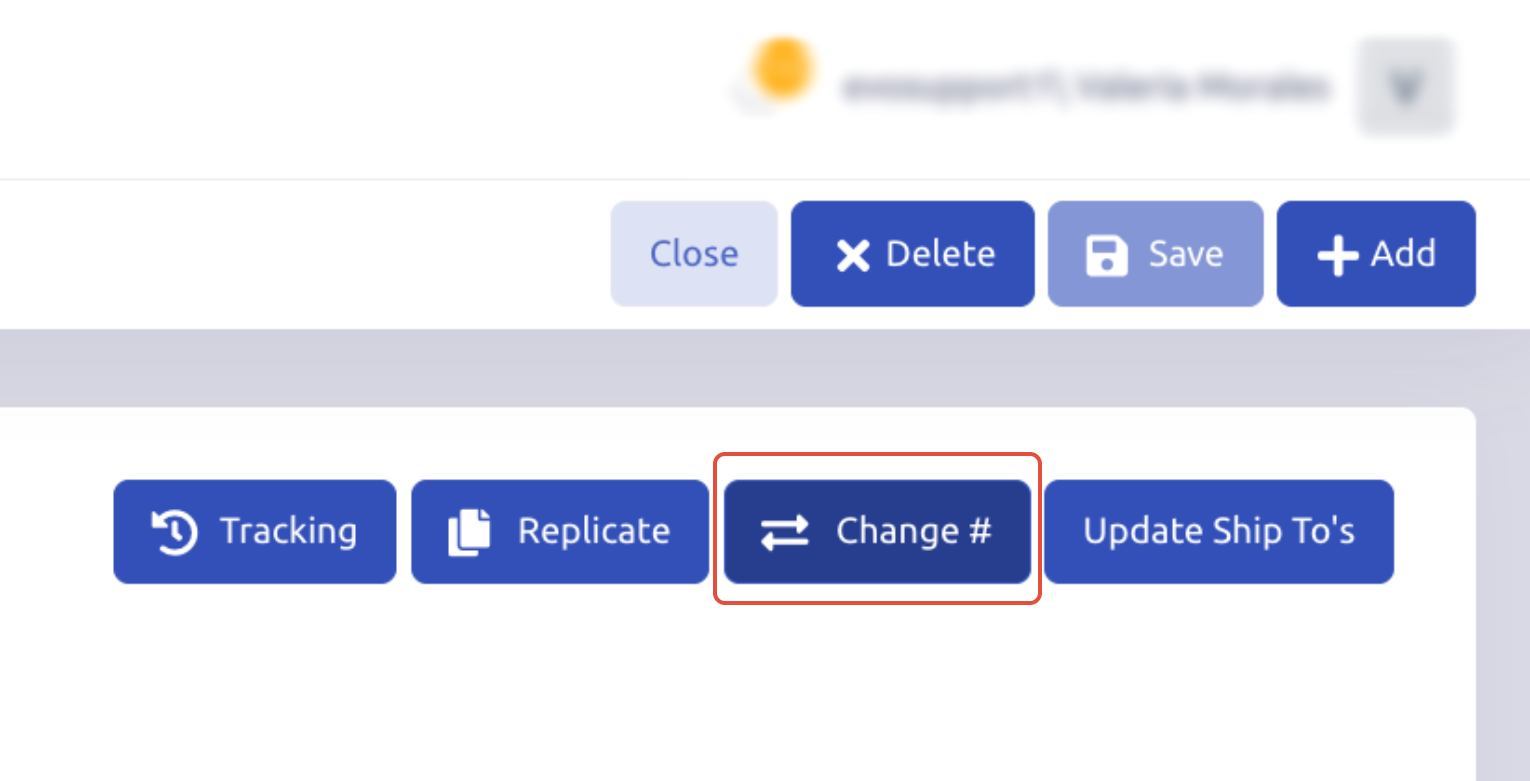
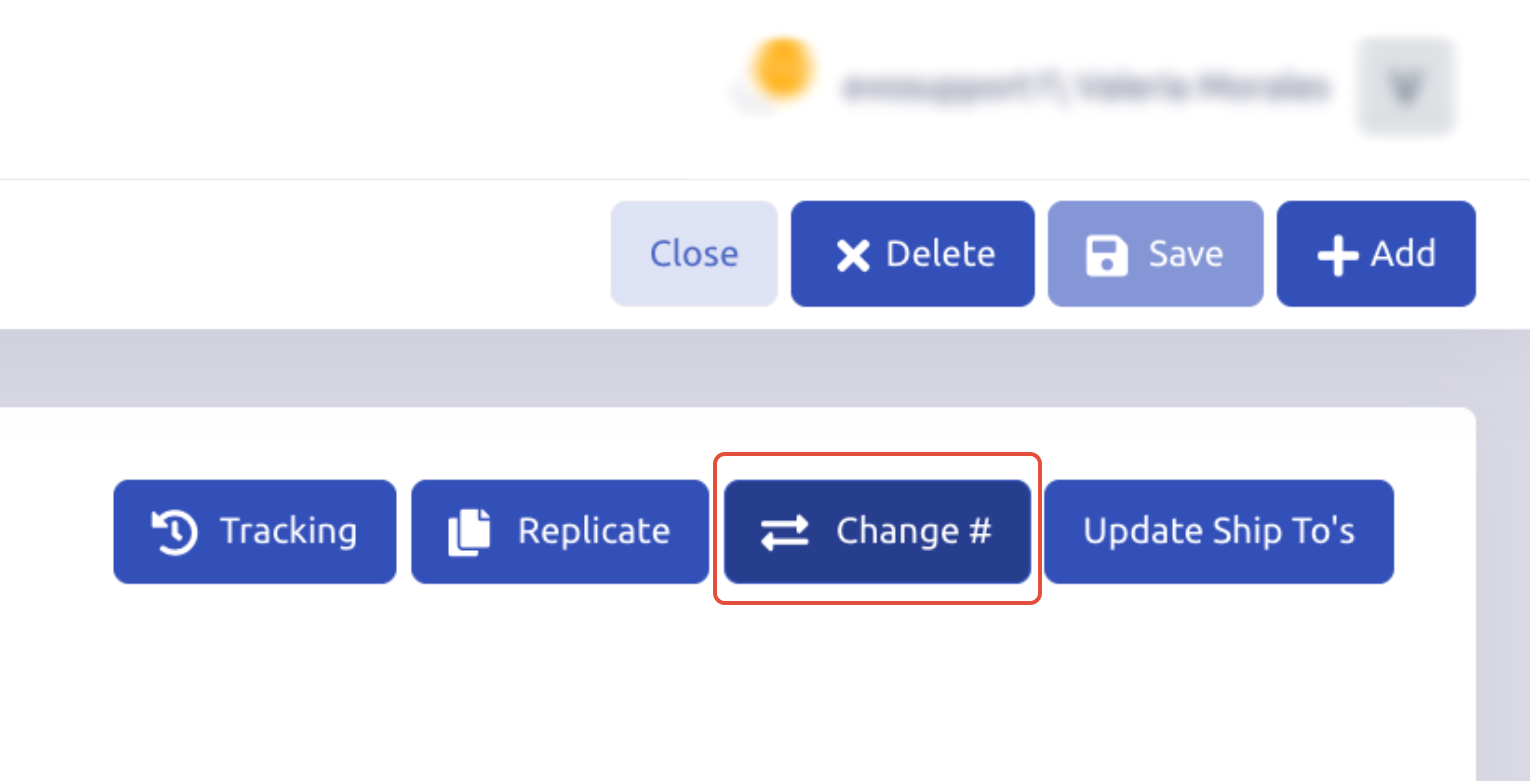
- Select Change #.
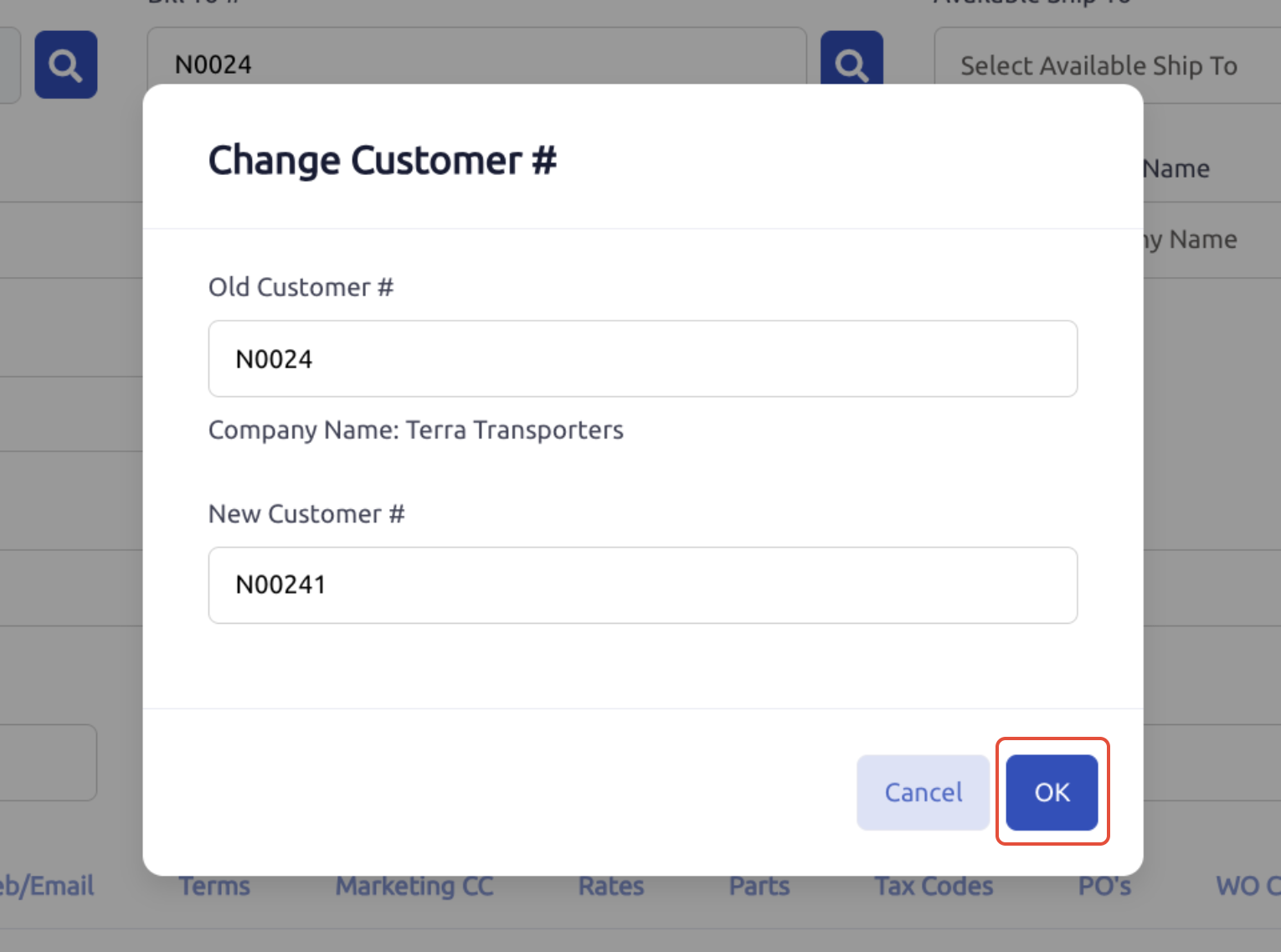
- Enter the New Customer # and click OK.
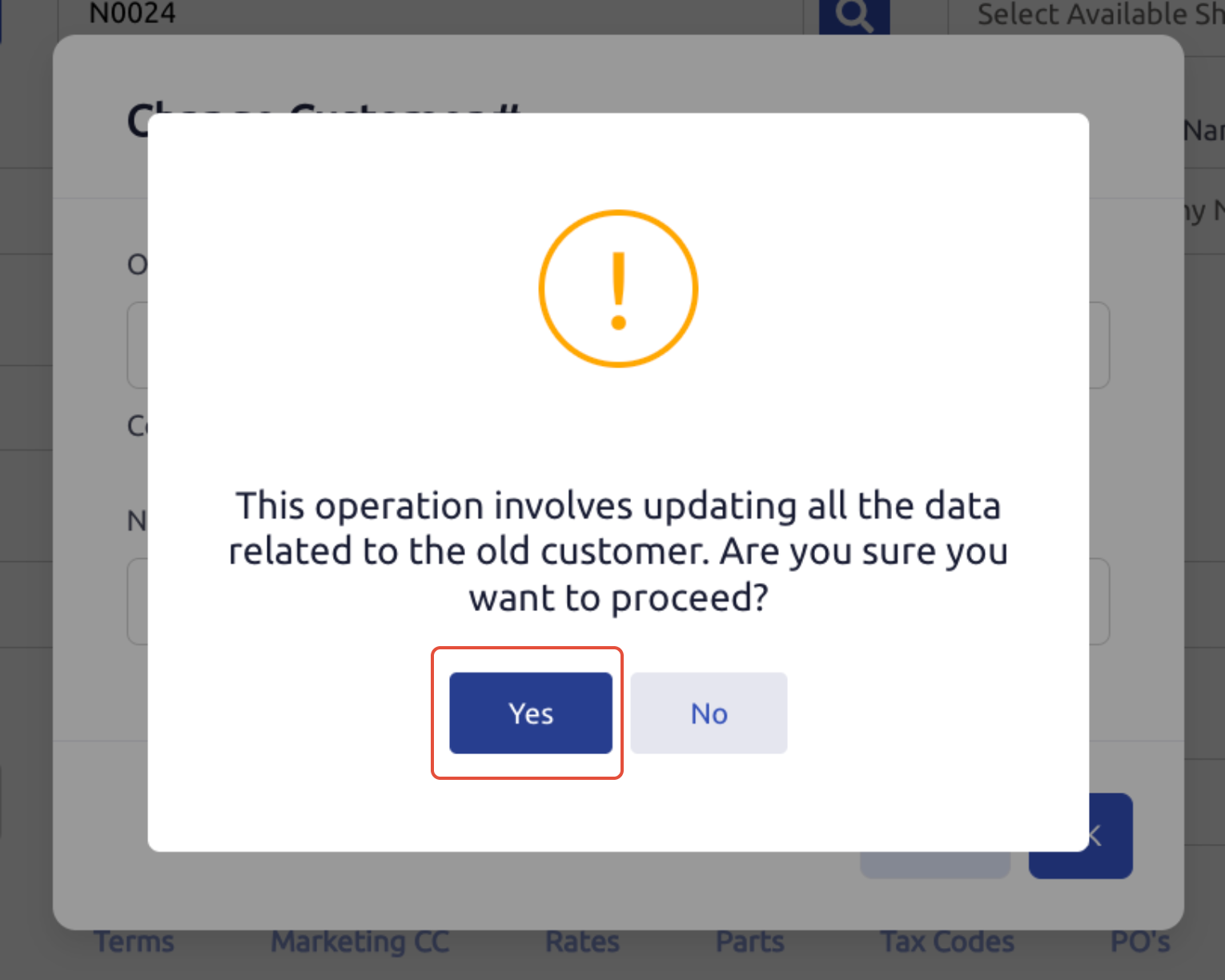
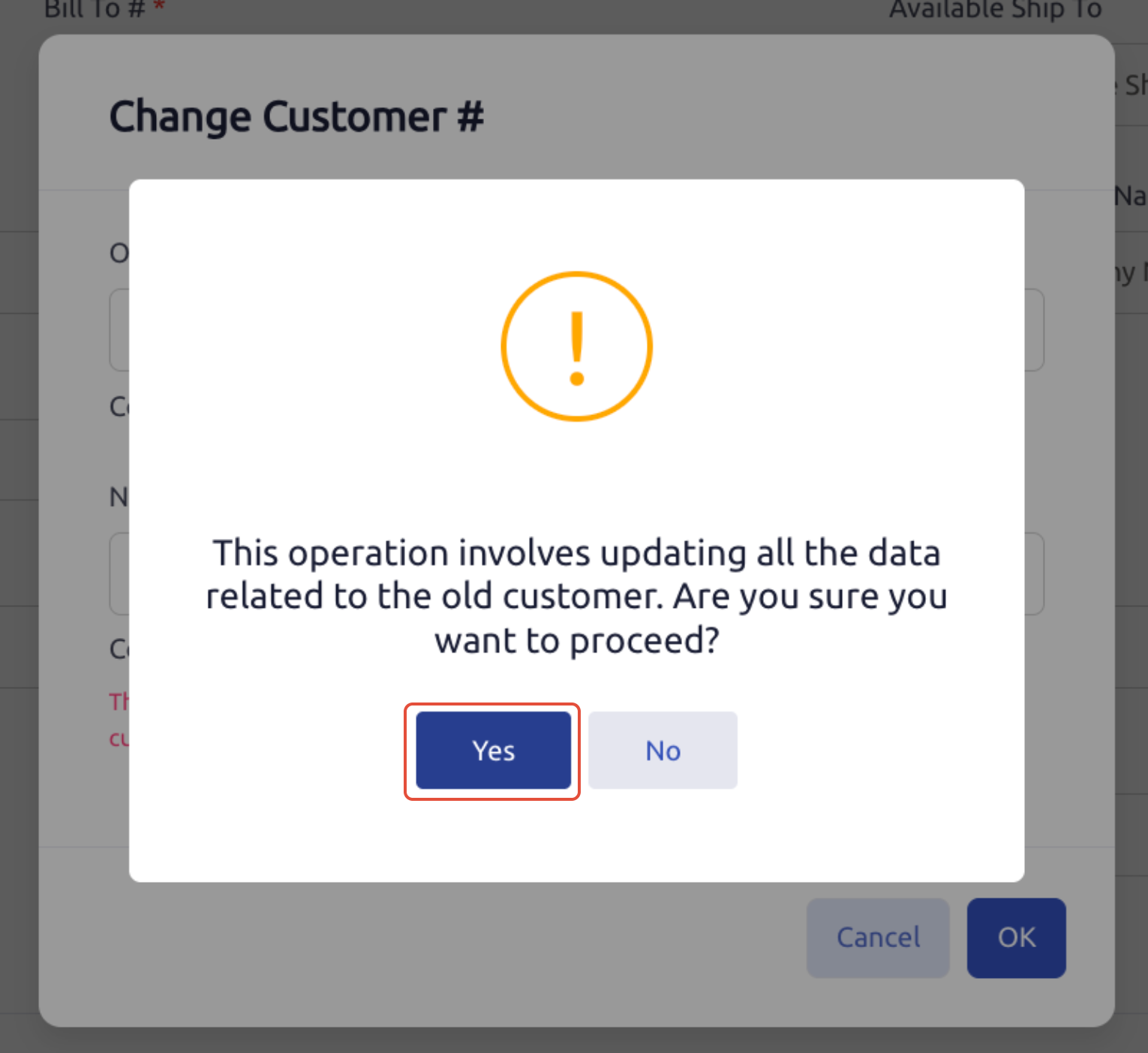
- Read the pop-up message carefully and confirm by clicking Yes.
Merge a Customer
- Click "Customers" in the accounting section.
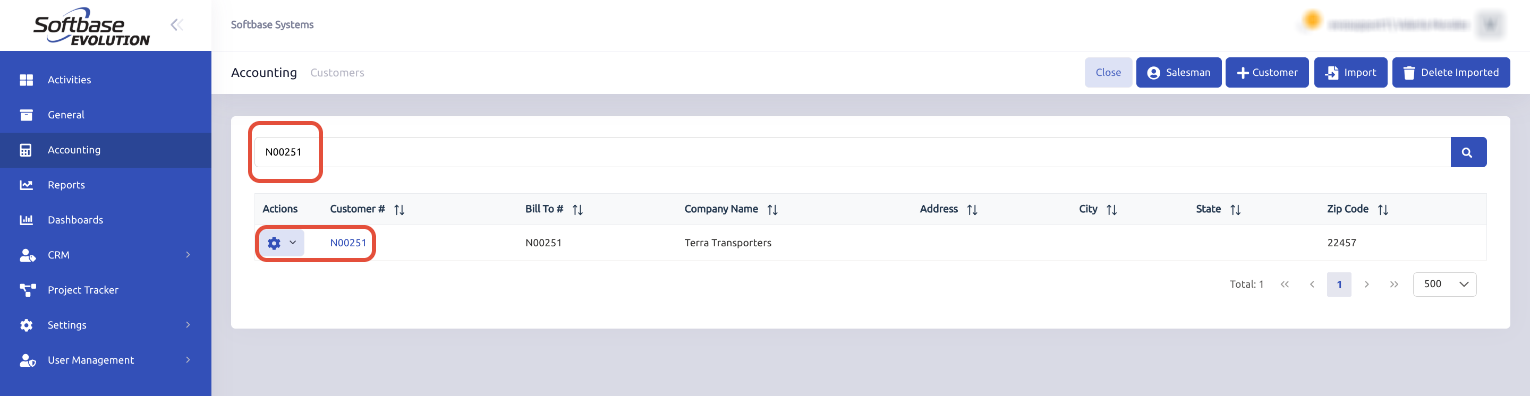
- Search for the customer you want to merge and open their record / Click on the Gear icon and select Edit
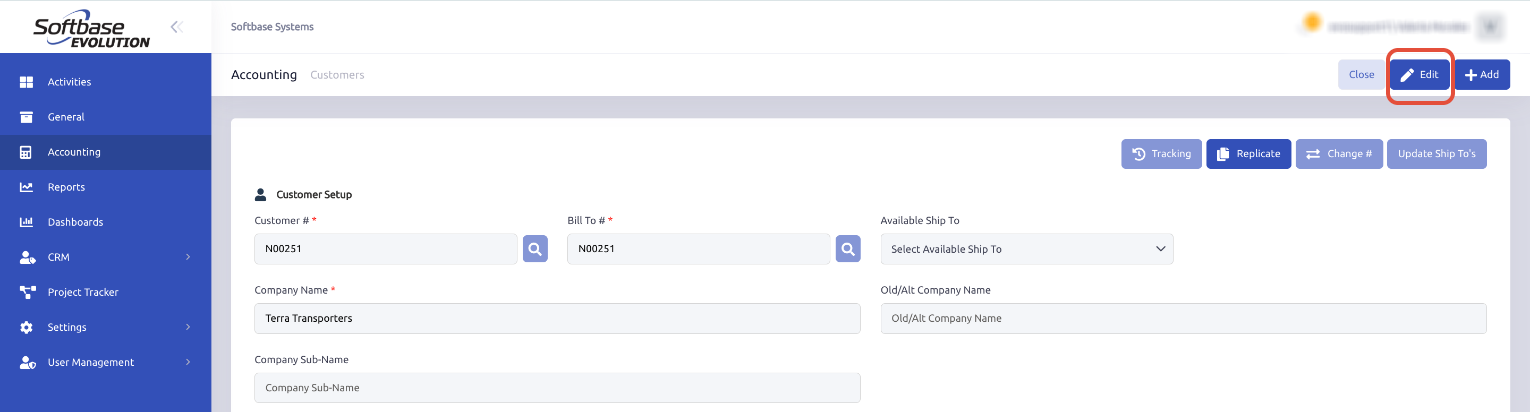
- Select Change #.
- Enter the Existing Customer # you want to merge with and click OK.
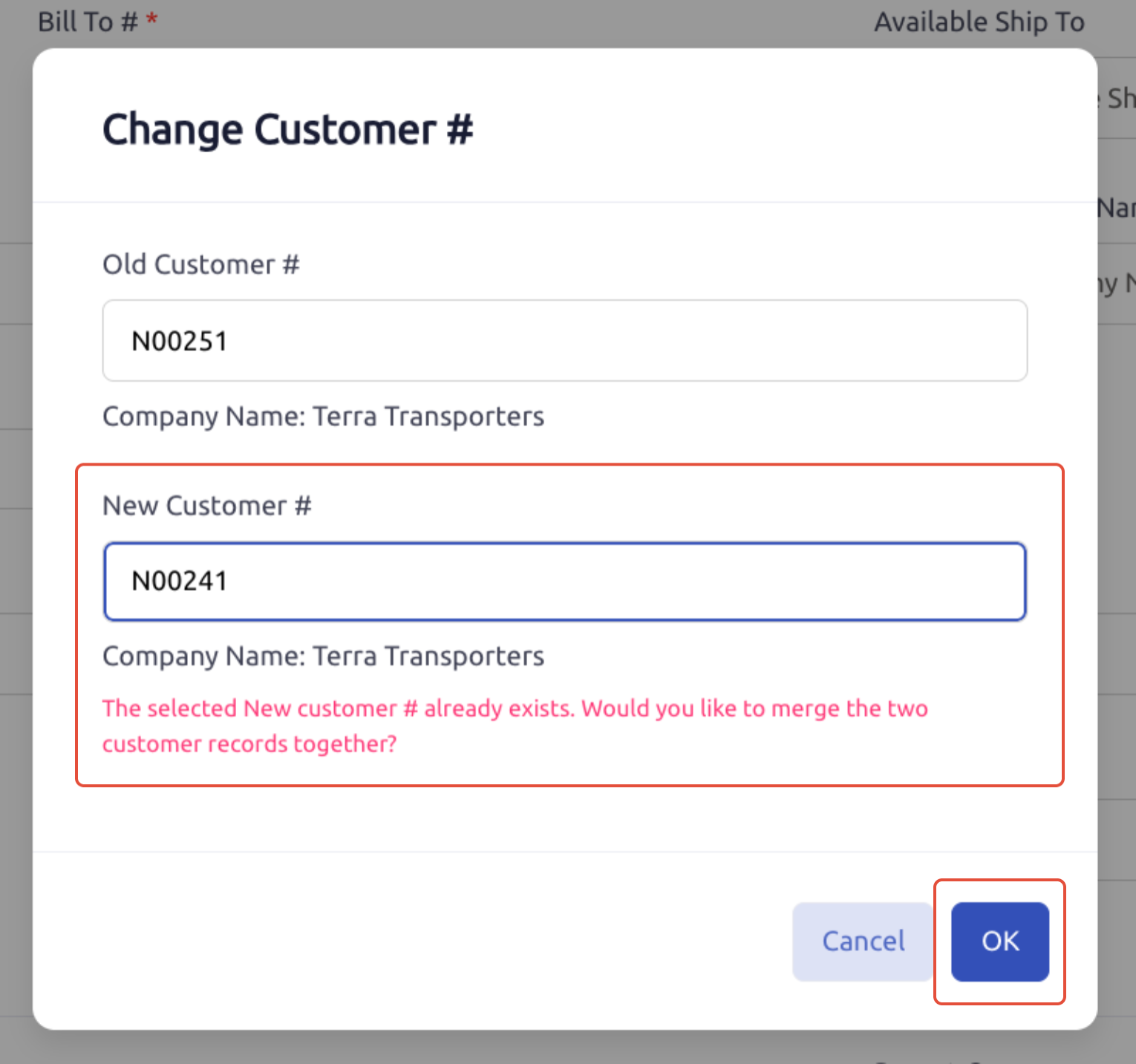
- Read the pop-up message carefully and confirm by clicking Yes.
Note: Merging will consolidate the records under the existing customer #. Ensure you select the correct customer to avoid data loss.
Was this article helpful?
That’s Great!
Thank you for your feedback
Sorry! We couldn't be helpful
Thank you for your feedback
Feedback sent
We appreciate your effort and will try to fix the article